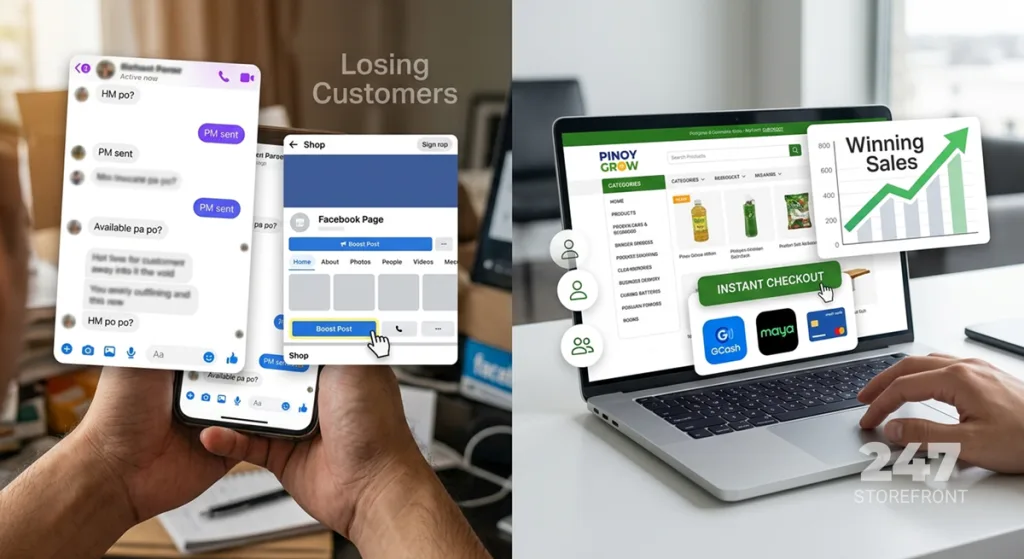
If you have ever run an online business in the Philippines, you know the drill. A customer messages you on Facebook or Instagram, asks for your payment details, and you reply with a long list of GCash numbers and bank account digits. Then comes the waiting game. You wait for them to send the money, they send a blurry screenshot of the receipt, and you have to manually open your banking app to verify if the funds actually cleared.
When you are only getting two or three orders a day, this manual verification process is manageable. But what happens when you start getting 50 orders a day? What happens when a customer sends a fake screenshot? Or what if someone wants to buy from you at 2:00 AM while you are asleep?
Relying on manual payments creates a massive bottleneck for your growth. After building e-commerce systems for clients for over 15 years, I can tell you that figuring out how to accept GCash on website platforms automatically is the single biggest revenue multiplier for a local business. Customers want a frictionless checkout, and you need to get your time back.
Here is a complete, practical guide on how to integrate automated digital payments into your Philippine business website.
The Hidden Cost of Manual Payment Verification
Before we look at the technical setup, we need to talk about why manual payments hurt your sales. In the e-commerce industry, we track a metric called “cart abandonment.” This refers to people who intend to buy but drop off right before handing over their money.
Every extra step you force a customer to take increases the chance they will abandon their cart. When you require a customer to leave your small business payment solutions page, log into a separate banking app, input a 12-digit account number, take a screenshot, go back to your website, and upload that image, you are introducing massive friction.
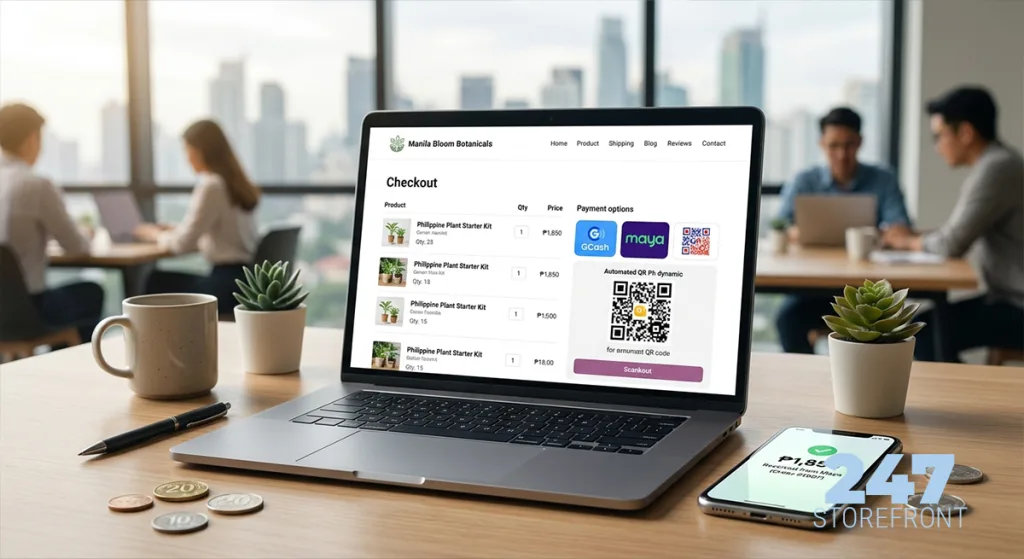
By integrating a proper online payment gateway Philippines system, the customer stays on your website, scans a QR code or logs into their e-wallet directly on the checkout page, and the system instantly verifies the transaction. No screenshots. No waiting.
What Exactly is a Payment Gateway?
Think of a payment gateway as your digital cashier. It is a secure software layer that connects your e-commerce website to the financial institutions (like banks, GCash, or Maya).
When a customer clicks “Pay,” the gateway securely encrypts their data, verifies that they have enough funds, processes the transfer, and sends an immediate signal back to your website saying, “The payment is successful.” Your website then automatically marks the order as paid and triggers your shipping workflow.
Top Payment Gateways in the Philippines for 2026
You do not need to negotiate with individual banks or e-wallets to accept their payment methods. Instead, you partner with an aggregator. These companies package multiple website payment methods into a single integration.
Here is a breakdown of the three most reliable platforms for Philippine businesses.
| Payment Gateway | Key Features | Best Suited For |
|---|---|---|
| PayMongo | Incredibly easy to set up. Offers GCash, Maya, GrabPay, BillEase (buy now, pay later), and credit/debit cards. Excellent local support. | Startups, SMEs, and businesses looking for a fast, developer-friendly setup. |
| Xendit | Massive regional presence. Supports direct debits, retail outlets (7-Eleven), and robust API capabilities for complex recurring billing. | Scaling enterprises, subscription-based businesses, and custom SaaS platforms. |
| Maya Business | Direct integration from the Maya ecosystem. Highly recognized brand trust at checkout. Offers competitive rates for high-volume merchants. | High-volume retail stores and businesses wanting tight integration with Maya terminal hardware. |
When clients ask me to compare PayMongo vs Xendit, my advice usually comes down to the tech stack. If we are building a straightforward retail store, PayMongo’s plugin ecosystem is incredibly fast to deploy. If the client needs complex split payments or marketplace features, Xendit’s API is unmatched.
Step-by-Step: How to Integrate Automated Payments
Setting up ecommerce payments PH is much easier than it used to be. You do not need a degree in computer science to get this running, but you do need to follow a strict process.
Step 1: Prepare Your Business Documents
Legitimate payment gateways are heavily regulated by the Bangko Sentral ng Pilipinas (BSP). They will not release funds to a personal bank account without verifying your identity. Before you even touch your website, gather these documents:
- Your Department of Trade and Industry (DTI) Certificate of Registration (for Sole Proprietors) or SEC Certificate (for Corporations).
- A valid government-issued ID of the business owner.
- Proof of business bank account (a bank certificate or a statement showing the account name matches your registered business).
- A clear, working website (gateways will review your site to ensure you are not selling prohibited goods).
Step 2: Choose Your E-Commerce Platform
How you integrate the gateway depends entirely on what software runs your website. When I design custom small business website projects, I frequently rely on WordPress paired with visual builders like Beaver Builder. This combination allows for deep customization, and bolting on WooCommerce makes payment integration seamless.
If you are using a hosted platform like Shopify, the integration is often as simple as selecting the payment provider from a dropdown menu. If you are debating the technical merits of Shopify vs WooCommerce, remember that WooCommerce gives you far more control over checkout page modifications, which is crucial if you want to optimize for the local Philippine market.
Step 3: Install the Gateway Plugin or API
Let’s assume you are using WooCommerce. You will want to download the official plugin provided by your gateway (for instance, the official WooCommerce GCash plugin via PayMongo).
- Go to your WordPress dashboard and navigate to Plugins > Add New.
- Search for your gateway’s official plugin, install, and activate it.
- Navigate to WooCommerce > Settings > Payments.
- Enable the payment methods you want to offer (GCash, Maya, Credit Cards, etc.).
- Paste your secure API keys (Public Key and Secret Key) provided by your gateway dashboard into the plugin settings.
Step 4: Test in Sandbox Mode
Never launch a payment system blindly. All major gateways provide a “Sandbox” or testing environment. This allows you to simulate a transaction using fake credit card numbers or dummy e-wallet credentials to ensure the checkout flow works perfectly. Once you confirm the order registers correctly in your backend, toggle the system to “Live” mode.
Handling Bank Transfers Automatically (QR Ph)
While e-wallets dominate consumer spending, B2B clients and high-ticket buyers still prefer automated bank transfers Philippines. Fortunately, the rollout of the National QR Code Standard (QR Ph) has modernized this process.
Many payment gateways now offer QR Ph integration. At checkout, your website generates a unique, dynamic QR code for that specific order. The customer opens their preferred banking app (BDO, BPI, UnionBank, etc.), scans the code on their screen, and the exact payment amount is auto-filled. Once they authorize the transfer, the gateway instantly confirms receipt on your website. This completely eliminates the need for manual deposit verification.
Transaction Fees vs. Cash Flow: What to Expect
Automating your digital payments setup isn’t free. Payment gateways make their money by taking a small percentage of every successful transaction. You need to account for these fees in your product pricing.
For example, e-wallet transactions (GCash/Maya) usually incur a fee of around 1.5% to 2.5% per transaction. Credit and debit cards are typically more expensive, hovering around 3% plus a fixed flat fee (e.g., ₱15).
Equally important is understanding settlement times—the delay between a customer paying on your site and the money actually hitting your corporate bank account. E-wallet funds often settle within 1 to 2 business days, while credit card clearing can take up to 7 days. If you are calculating the overall ecommerce website cost Philippines, ensure your operational cash flow can handle these brief delays.
Security: Keeping Customer Data Safe
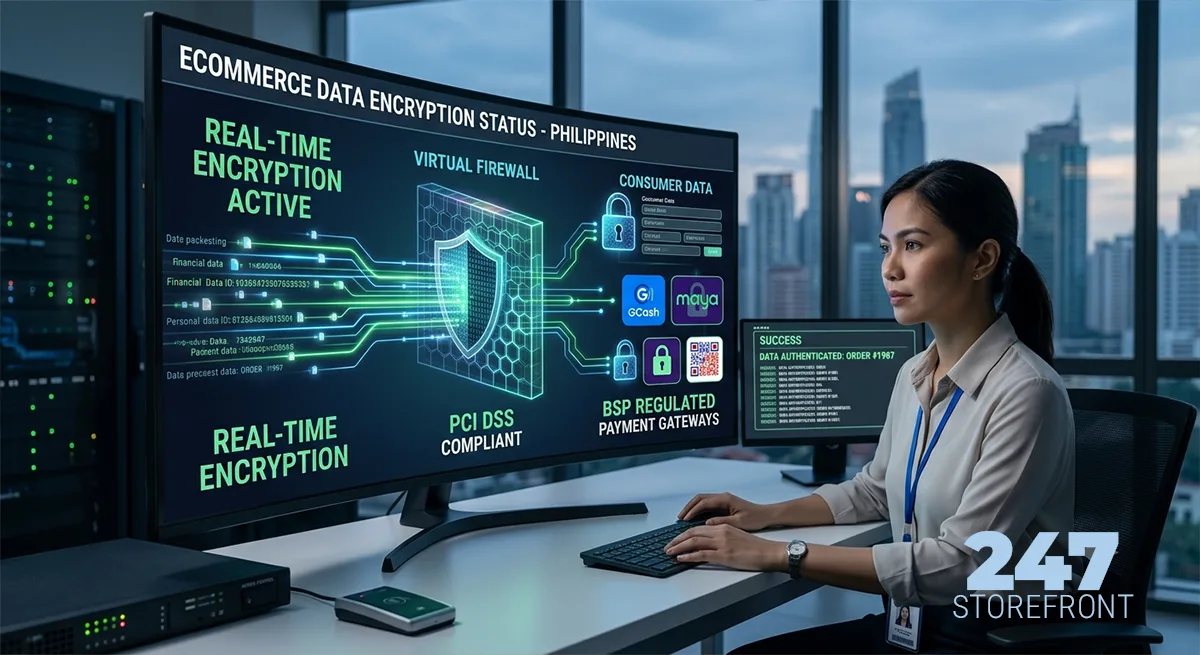
When you process digital payments, security is non-negotiable. Modern consumers will immediately abandon a checkout page if their browser flags it as “Not Secure.”
First, ensure your website has an active SSL Certificate (the padlock icon in your browser URL bar). Second, rely on your payment gateway to handle the heavy lifting regarding data security. Reputable gateways comply with the PCI Security Standards Council regulations.
Because the transaction actually occurs on the gateway’s encrypted servers, your website never directly stores the customer’s sensitive credit card numbers. This protects your business from massive liability in the event of a server breach.
Final Thoughts
Moving away from manual bank deposits and screenshot verification is a massive operational leap. By setting up a proper payment gateway, you are doing more than just making your checkout look professional—you are reclaiming hours of your administrative time and capturing sales from customers who prioritize convenience.
Take the time to gather your business registration documents, select a gateway that fits your technical stack, and build a frictionless checkout experience. The moment you wake up to a fully paid, automatically verified order in your inbox, you will never want to go back to typing “PM sent” again.
Frequently Asked Questions
Do I need a registered business to accept online payments?
Yes. Legitimate payment gateways in the Philippines require you to submit your DTI or SEC registration, along with a business bank account, to comply with anti-money laundering laws and BSP regulations.
How do I integrate Maya payment on my website?
You can integrate Maya payment integration directly by applying for a Maya Business account and using their official e-commerce plugins, or you can use a payment aggregator like PayMongo or Xendit, which includes Maya as a standard payment option.
Does it cost money to create a PayMongo or Xendit account?
No. Creating an account is completely free, and there are no monthly subscription fees. These platforms operate on a pay-per-use model, meaning they only charge a small percentage fee when a successful transaction occurs.
Can my customers pay using their mobile phones?
Absolutely. All modern payment gateways provide highly responsive, mobile-optimized checkout pages. This aligns perfectly with mobile-first design principles, allowing users to switch seamlessly to their banking apps or e-wallets on their phones.
What happens if a customer asks for a refund?
Most payment gateways offer a dashboard where you can locate the specific transaction and click a “Refund” button. The funds will be automatically routed back to the customer’s original payment method (e.g., back to their GCash wallet or credit card), though the original transaction fee may not be refunded to you.